

Latest Version
TS Technology
Design
Mac
Free
6473819549
Report a Problem
More About Photo Editor: Presets, Filters Review & Guide
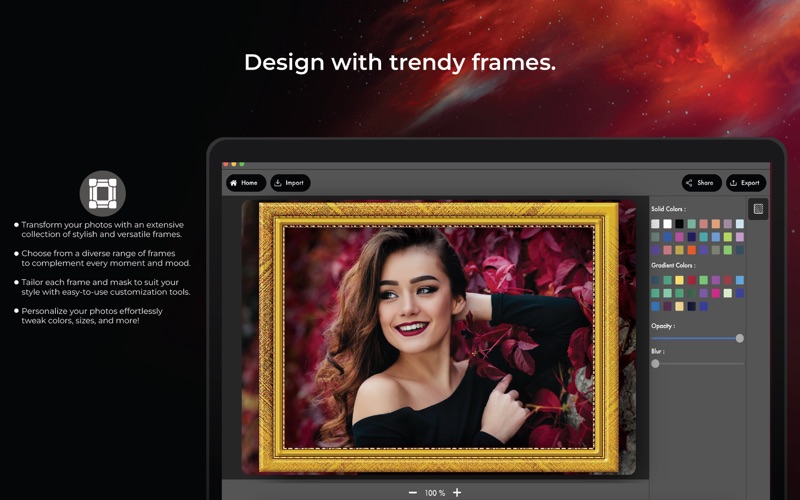
For Mac users seeking a streamlined creative workflow, the Photo Editor: Presets, Filters Mac app by TS Technology delivers an intuitive suite of design tools right to your desktop. Built specifically for the macOS platform, this application bridges the gap between complex graphic design software and quick, user-friendly photo enhancements.
Streamlined Design with the Photo Editor: Presets, Filters Mac App
Whether you are preparing graphics for a presentation or polishing personal photography, having access to rapid editing features directly on your Mac is invaluable. This software focuses on eliminating the friction of multi-step editing suites by offering automated, high-impact features.
Key Creative Highlights
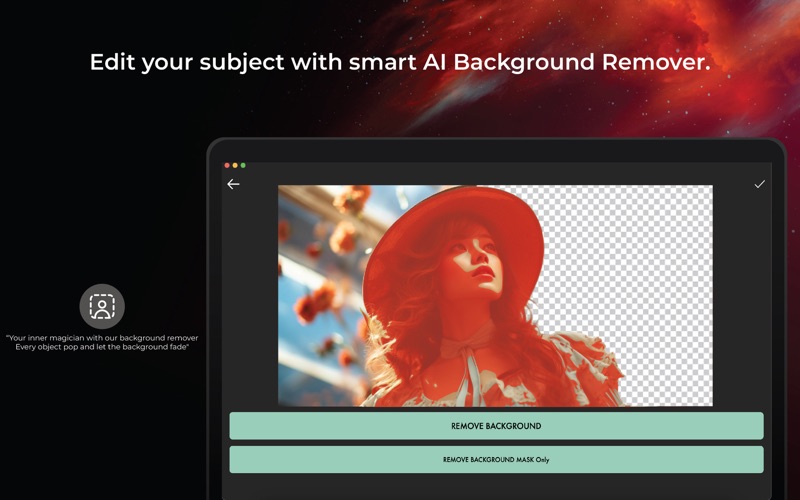
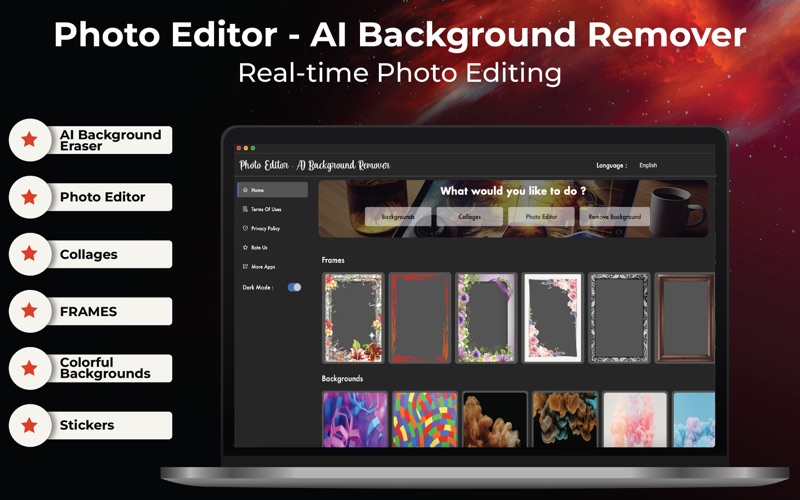
- AI Background Eraser: Easily isolate subjects, strip away distracting backdrops, and eliminate unwanted elements like logos, watermarks, or passers-by with a clean cutout tool.
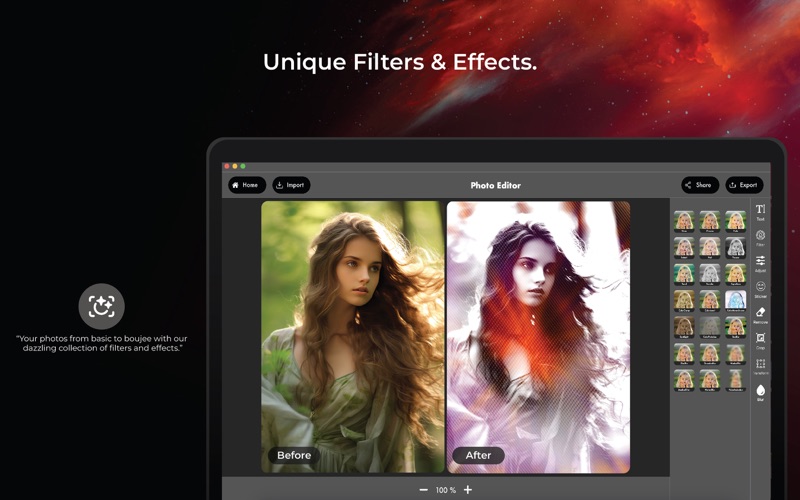
- On-Trend Filters & Effects: Bring a vintage aesthetic to your projects or tap into modern trends using specialized neon, glitch, blur, and Light FX overlays.
- Precise Image Adjustments: Fine-tune your visuals with critical cropping, rotation, saturation, contrast, and sharpness controls.
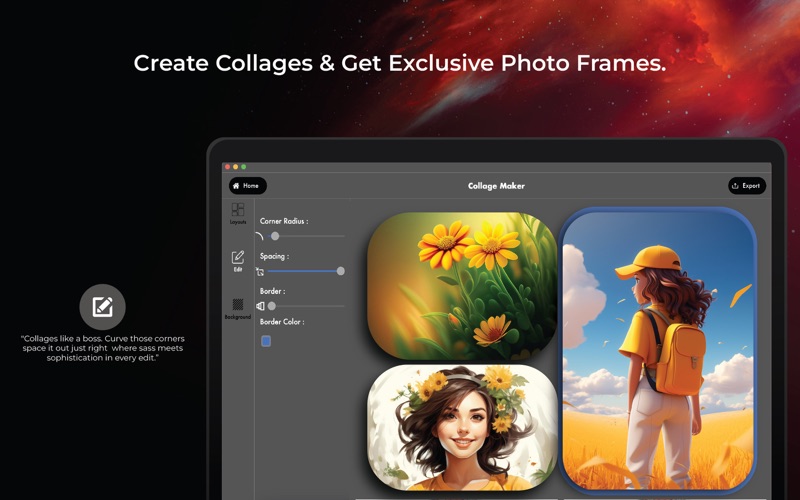
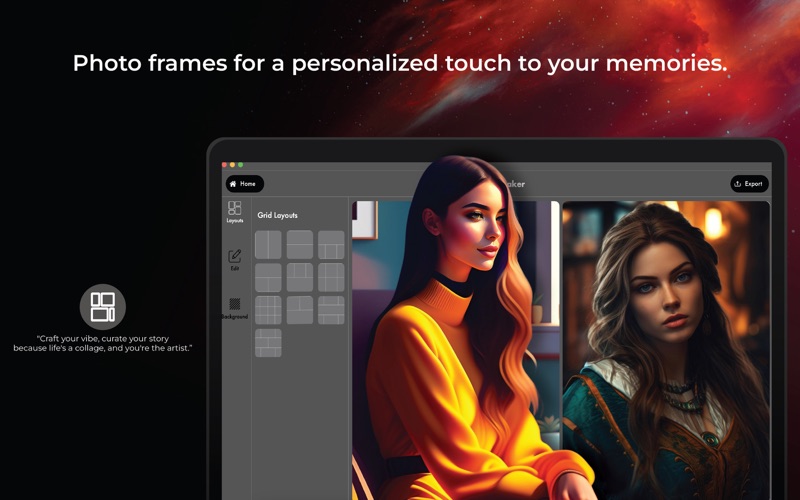
- Desktop Collage Maker: Combine up to ten different images instantly, customizing borders, margins, and background colors to build cohesive layouts.
- DSLR-Style Blur: Apply advanced blur settings to replicate professional depth-of-field effects on specific portions of your canvas.
Optimized for Desktop Creators
The strength of this utility lies in its desktop integration. Unlike mobile editors that compromise on screen real estate, using this design software on macOS lets you organize your canvas, manage precise brush strokes for background removal, and export high-resolution assets directly to your local folders or photo library.
Is It Right for Your Workflow?
If you need a lightweight, dedicated design companion that bypasses the steep learning curve of professional publishing suites, this application is highly suitable. It serves as an excellent resource for content curators, small business owners, and digital designers who require rapid turnarounds on graphic assets.
To explore these creative capabilities firsthand, you can find more information and view the application on the official Mac App Store.
Rate the App
User Reviews


Popular Apps









Editor's Choice