

Latest Version
LibreSprite Developers
Design
Linux
Free
com.github.libresprite.LibreSprite
Report a Problem
More About LibreSprite
The Challenge of Creating Authentic Retro Game Assets
For independent game developers and digital artists, capturing the nostalgic magic of the 8-bit and 16-bit eras is harder than it looks. Standard modern image editors are built for high-resolution photography, making pixel-perfect alignment and frame-by-frame animation a tedious chore. The LibreSprite animated sprite editor solves this specific bottleneck, providing a streamlined, dedicated workspace tailored exclusively for retro graphics, sprites, and classic game animations.
What is LibreSprite?
Developed by the LibreSprite Developers, LibreSprite is an open-source design application built for the Linux platform. It functions as a specialized, lightweight powerhouse for creators who need to build complex 2D animations without the bloat of heavy graphic design suites. Whether you are designing tilemaps for a platformer or animating a main character's walk cycle, this tool focuses entirely on the precision workflows required for pixel art.
Key Features of the LibreSprite Animated Sprite Editor
The software is packed with production-ready tools designed to speed up the traditional pixel art workflow:
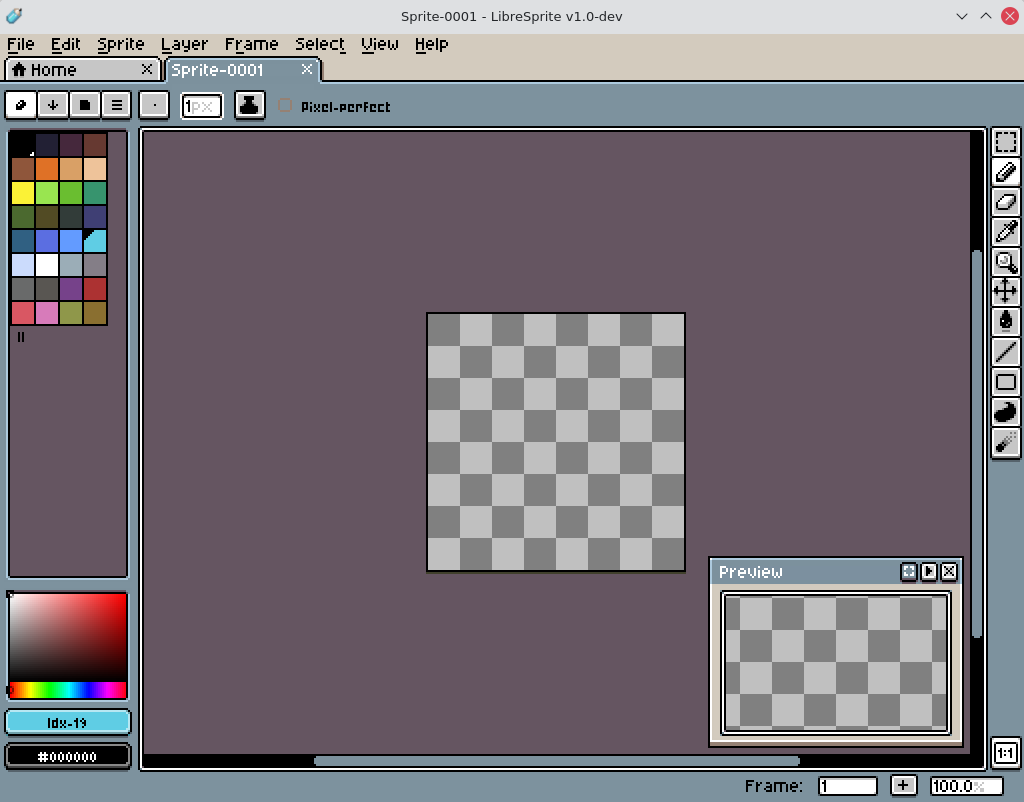
- Real-Time Animation Previews: Instantly see how your changes affect the final loop without needing to export your files first.
- Onion Skinning: View adjacent frames as translucent overlays to ensure smooth, natural transitions in your character movement.
- Advanced Layer & Frame Management: Organize complex assets easily using a timeline structure where sprites are composed of both layers and frames.
- Tiled Drawing Mode: Draw seamless textures and repeating patterns in real-time, making level design and background creation incredibly simple.
- Pixel-Precise Tools: Utilize specialized drawing tools such as filled contours, polygons, and dedicated shading modes to achieve perfect alignment without stray pixels.
- Custom Color Palettes: Use pre-configured retro color palettes or craft your own unique color schemes to maintain visual consistency across your project.
- Simultaneous Editing: Work on multiple sprite sheets at the same time to streamline your asset production pipeline.
Who is This Tool For?
LibreSprite is specifically engineered for Linux-based game developers, pixel artists, and animators who demand absolute control over their retro aesthetic. Because it supports several file types for your sprites and animations, it fits perfectly into modern open-source game development pipelines. If you want a dedicated environment where every tool is optimized for low-resolution mastery rather than high-res photo editing, this application is a stellar choice.
Our Verdict
The LibreSprite animated sprite editor successfully removes the friction from retro asset creation. By combining intuitive timeline controls with precise drawing tools, it allows artists to focus on creativity rather than fighting their software. To try this excellent utility for yourself, head over to the official Flathub store page to explore its features and integrate it into your development environment.
Rate the App
User Reviews


Popular Apps










Editor's Choice