

Latest Version
MogoTech Inc.
Security
iOS
Free
6444485605
Report a Problem
More About PlatoVPN: Super VPN Fast Proxy
Picture this: you are sitting in a bustling local coffee shop, trying to finish an urgent work assignment or stream your favorite show, but the public Wi-Fi network feels sluggish and incredibly unsafe. With cyber threats targeting open networks, protecting your mobile device is no longer optional. This is where PlatoVPN: Super VPN Fast Proxy steps in as an essential security companion for iOS users seeking a reliable shield for their digital lives.
What is PlatoVPN: Super VPN Fast Proxy?
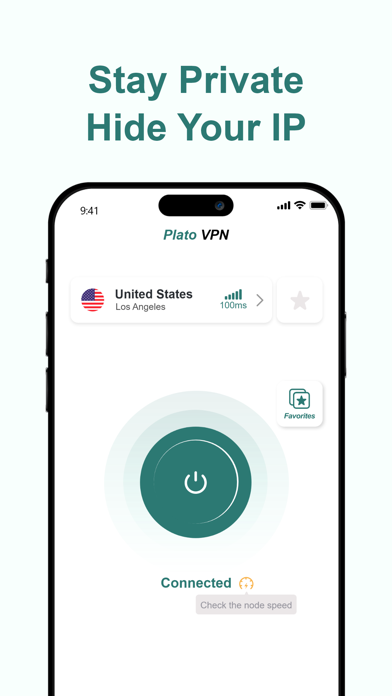
Developed by MogoTech Inc., PlatoVPN: Super VPN Fast Proxy is a dedicated security application designed specifically for iOS devices, including iPhones and iPads. Operating in the competitive mobile security category, this tool functions as an encrypted tunnel for your internet traffic, hiding your IP address and safeguarding your personal information from prying eyes on public hotspots, school Wi-Fi, and home offices alike.
Key Features of PlatoVPN
- Multi-Protocol Encryption: To ensure top-tier security, the app utilizes highly respected industry protocols including OpenVPN, WireGuard, IKEv2 / IPsec, Shadowrocket, V2Ray, alongside a custom-developed mesh VPN protocol.
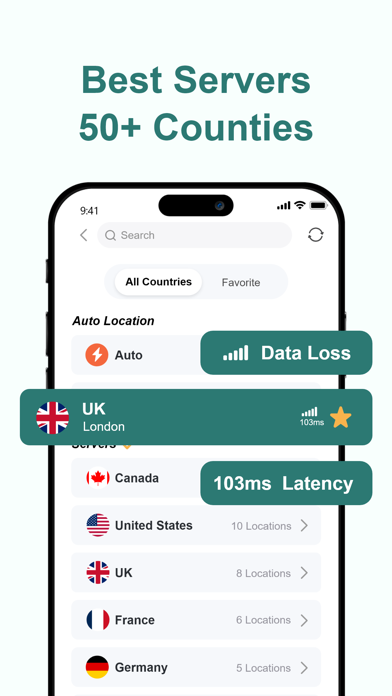
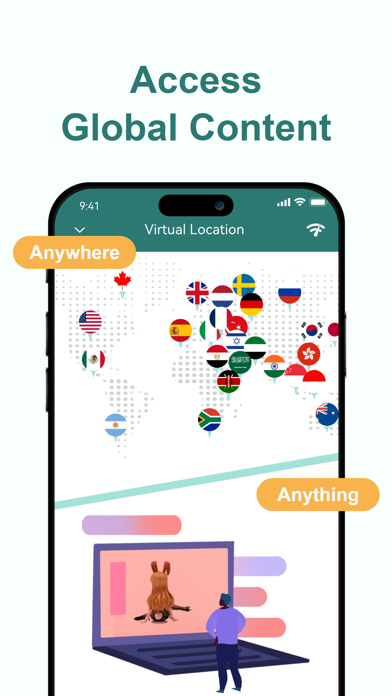
- Global Server Network: Users can virtually shift their location by connecting to thousands of exclusive proxy servers spanning over 50 global locations across more than 30 countries.
- No-Registration Utility: You can start securing your connection instantly without the hassle of creating an account, entering login details, or providing initial payment information.
- Strict Privacy Standards: The service operates under a strict policy where no online activity logs are saved, ensuring your private browsing remains truly private.
- Simultaneous Protection: A single premium subscription can extend security cover for up to 5 iOS devices at the same time.
Who is this App For?
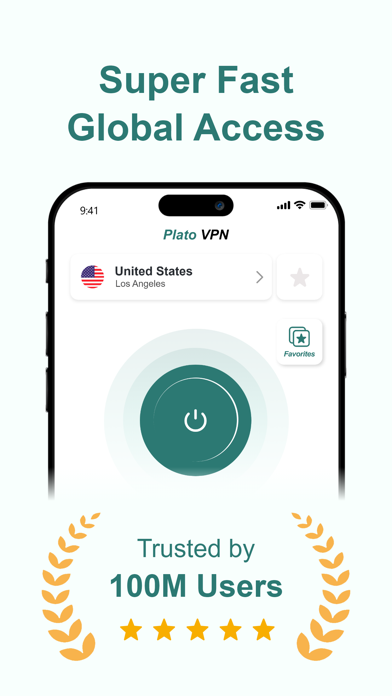
Whether you are a remote professional working from shared spaces, a student accessing restricted school networks, or an avid media consumer looking to access international video platforms smoothly, this fast proxy tool caters to your needs. The straightforward, one-click connection interface makes it highly accessible for beginners, while the advanced protocol options satisfy tech-savvy users looking for optimized network performance.
Premium Upgrades and Performance
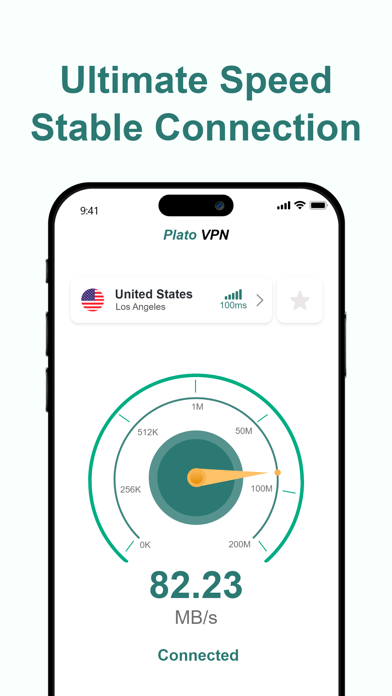
While the basic service offers an accessible entry point, upgrading to the premium tier unlocks significantly faster speeds (up to 100x), removes all advertisements, grants priority customer support, and allows full access to all specialized servers and protocols. It provides the flexibility of customized subscription plans that you can manage or cancel at any time depending on your travel or security needs.
Secure Your iOS Browsing Today
In an era where online privacy is constantly challenged, having a dependable proxy service is crucial. If you are looking for a reliable, easy-to-use virtual private network for your iPhone or iPad, PlatoVPN: Super VPN Fast Proxy offers a compelling mix of speed, multi-protocol security, and global server variety. To try it out and secure your mobile connection, head over to the official Apple App Store to download the application directly onto your iOS device.
Rate the App
User Reviews
Popular Apps










Editor's Choice